
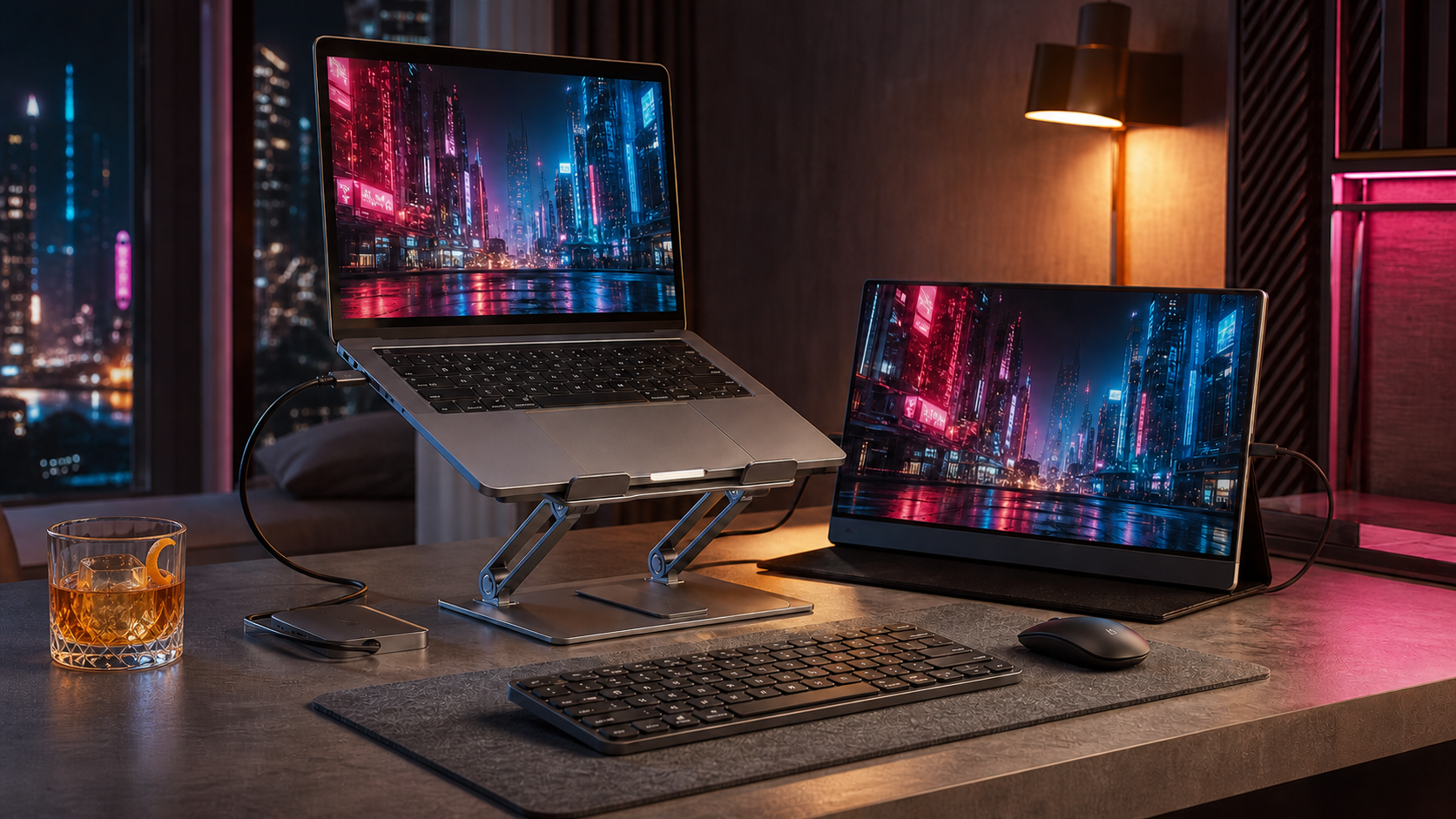
I have raised laptops with books, boxes, desk shelves, adjustable stands, and pure optimism. Books work but are clumsy. Some fixed stands tilt the keyboard so aggressively that typing feels like reaching uphill. Others wobble whenever a finger touches the trackpad. Adjustable stands have worked best because the screen can meet the setup instead of forcing the setup to accommodate the stand.
The verdict up front: the Roost V3 is the stronger laptop stand for travel because it is light, height-adjustable, and easy to pack. The Rain Design mStand is the steadier choice for a permanent desk if its fixed height suits you. For extended work at a raised height, plan on a separate keyboard and mouse.
The 2 picks at a glance
| Pick | Best for | Main compromise |
|---|---|---|
| Roost V3 | Travel, shared desks, and changing work surfaces | Costs more and requires separate input devices at useful heights |
| Rain Design mStand | A stable, permanent desk setup | Fixed height and bulky for travel |
Best adjustable laptop stand for travel: Roost V3
This portable laptop stand weighs 6 ounces, folds to roughly 1 by 1.5 by 13 inches, and offers 7 height settings. That matters when it has to share a bag with a laptop, portable monitor, and the small nation of cables modern work requires.
For my HP Envy x360 and 15.6-inch MNN portable monitor, adjustability is the advantage. Hotel desks and kitchen tables are rarely the same height.
Typing directly on a highly raised laptop is rarely pleasant. Pack a compact keyboard and mouse, or keep the stand lower for short sessions. Check the front grips if you use a thick case.
Best laptop stand for a desk: Rain Design mStand
The mStand is a 3-pound, single-piece aluminum stand. There are no hinges to drift and fewer moving parts to wobble. Its rear cable opening also helps contain charging and accessory cables.
Its strength is also its limitation. The height is fixed at 5.9 inches, so it either fits your desk and screen position or it does not. Test that height with a firm stack of books before buying.
What matters more than the product photo
Height range
Adjustability helps with changing chairs and desks. A fixed stand works when you already know the lift you need.
Stability
Check the base width, hinge resistance, contact pads, and weight rating. A stand that trembles or slides when you open the lid will become an expensive shelf ornament.
An ergonomic laptop stand still needs a keyboard
If you type on the laptop, avoid a steep lift. For longer sessions, the separate keyboard is part of the setup, not an optional flourish.
Packed size
Weight is only half the travel question. Check the folded dimensions against your intended bag compartment, then use the digital nomad workspace guide to test the rest of the cable chain.
A sensible way to spend
Start with books or a sturdy box to find a useful height. Choose the mStand for stability at a known desk height. Pay more for the Roost when adjustability and portability solve weekly problems.
Who should skip most of this
Skip a tall stand if you cannot use a separate keyboard and mouse. A low wedge may improve the view without making the built-in keyboard miserable.
You may not need a laptop stand at all if the laptop stays closed beneath an external monitor. In that case, a vertical holder can reclaim more desk space.
The best stand stays steady, fits your actual work surface, and still earns space in your bag or on your desk after the novelty wears off.
Sources checked
More field guides
Research the next purchase
Choose the room or problem you are working on next.
Browse all guides