
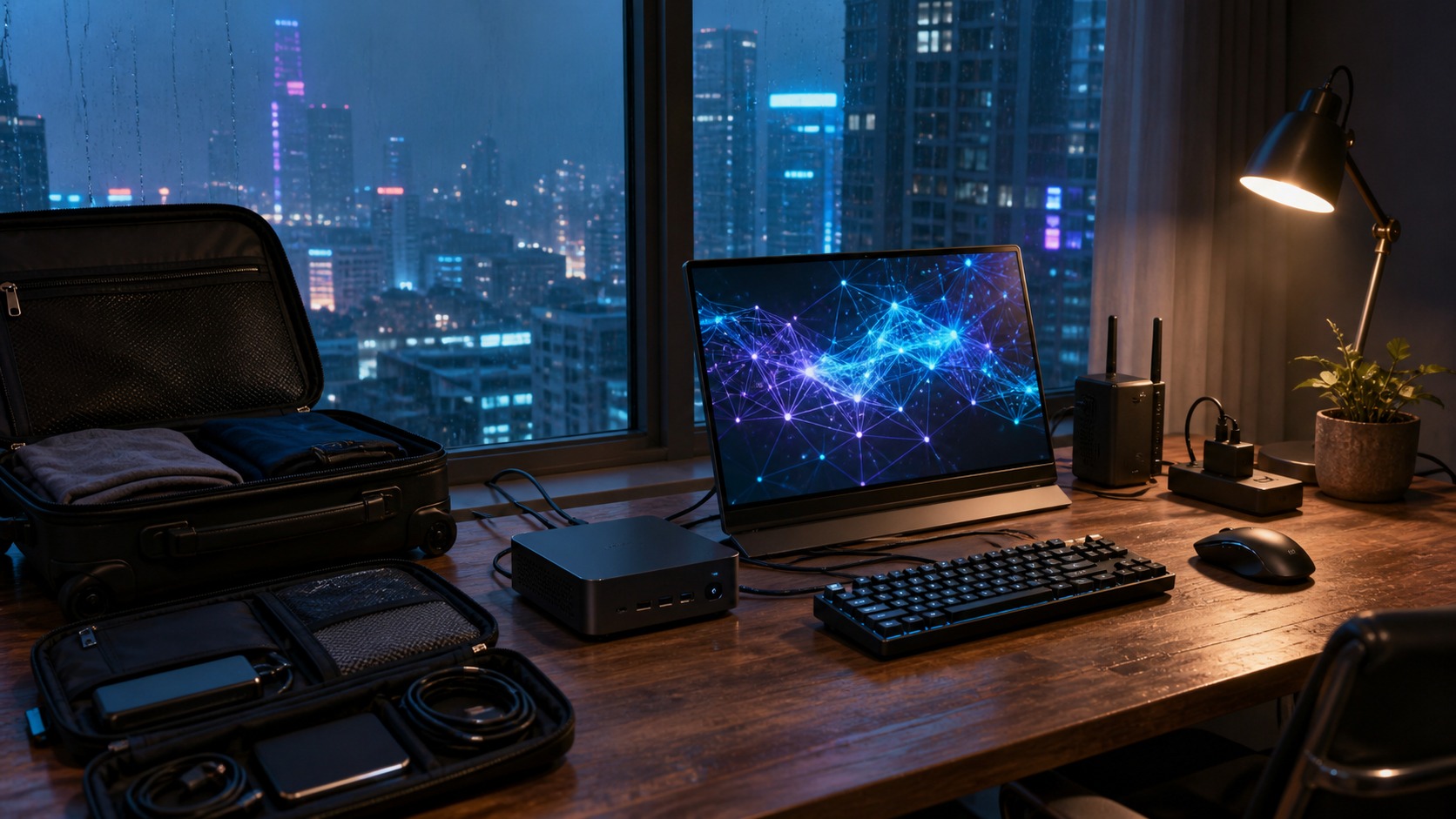
The mistake is calling a mini PC mobile because it fits in one hand. Its screen, power supply, controls, SSD, and cables still cross the airport with it.
The verdict up front: a packable local LLM workstation is viable when you relocate every few weeks and work from a desk after unpacking. A 48GB Mac mini is the smallest route I would consider for a quantized Qwen3.8 build. A 64GB Strix Halo mini PC gives an agent more working room. Keep a cloud subscription for the jobs where more compute matters more than independence.
1. Choose the travel pattern before the computer
This is the biggest lever. A laptop wins in airports, buses, cafes, and short stays because the battery and every essential peripheral are attached. A mini workstation wins when the travel day ends before the workday begins.
Packable does not mean untethered. Sustained inference prefers wall power, and a portable monitor adds another cable and another fragile panel. If the workstation moves daily, use the Windows local LLM laptop guide instead.
2. Use 48GB as the Mac starting point
Apple’s M4 Pro Mac mini measures 5 by 5 by 2 inches, weighs 1.6 pounds, and provides 273GB/s of memory bandwidth. The current configuration tops out at 48GB of unified memory.
It is the smallest machine here and a clean fit for a quantized Qwen3.8 setup tested against its exact context and agent workload. That is not a promise that every build will fit. The original model and different quantizations can demand very different amounts of memory.
The flaw is finality. Memory cannot be upgraded later, so the base configuration can erase the local-LLM reason for buying it.
3. Give a Windows or Linux agent 64GB
The GMKtec EVO-X2 pairs a Ryzen AI Max+ 395 with Radeon 8060S graphics and 64GB or 128GB of onboard LPDDR5X memory. It supports Windows or Ubuntu.
The 64GB version is the practical travel tier. It gives a local Qwen3.8 agent room for context, retrieval, and ordinary paid work without making the entire machine a model experiment. The tradeoff is physical: the chassis is 193 by 185.8 by 77mm, and its 230W adapter consumes real luggage space.
4. Remove the external-drive failure point
I currently keep a quantized Qwen3.8 build on an external drive. That proves the workflow can travel, but it also exposes the weak link: one loose cable can disconnect the model while it is active.
Keep the working model on the internal SSD when space allows. Carry an encrypted external copy for recovery, then test the model, agent, permissions, and offline documents before leaving. The travel kit matters, but it should support the computer decision rather than become the article.
My split stays simple: local Qwen3.8 handles private documents, retrieval, drafts, and repeatable agent work. A smaller subscription to a larger cloud model handles difficult reasoning, unfamiliar code, and compute-heavy multimodal work.
Budget by tier
Starter: use the laptop already owned with a smaller local model and selective cloud overflow.
Professional: choose a 48GB Mac mini or 64GB EVO-X2 and reuse existing peripherals.
Studio: carry 128GB only when DwarfStar or a larger local workload is already defined. Future curiosity is not worth the weight.
Who should skip most of this
Skip the mini PC if you work in transit, change desks daily, or cannot protect a portable monitor. A capable laptop removes too many failure points.
Skip it when reliable fiber follows every trip and the files are not sensitive. Cloud access weighs nothing.
Choose the travel pattern first, memory second, and processor third. Local AI belongs in the luggage only when independence survives the unpacking.
Sources
- Apple Mac mini technical specifications
- GMKtec EVO-X2 specifications
- DwarfStar local inference engine
- Digital nomad workspace starter pack
More field guides
Research the next purchase
Choose the room or problem you are working on next.
Browse all guides