
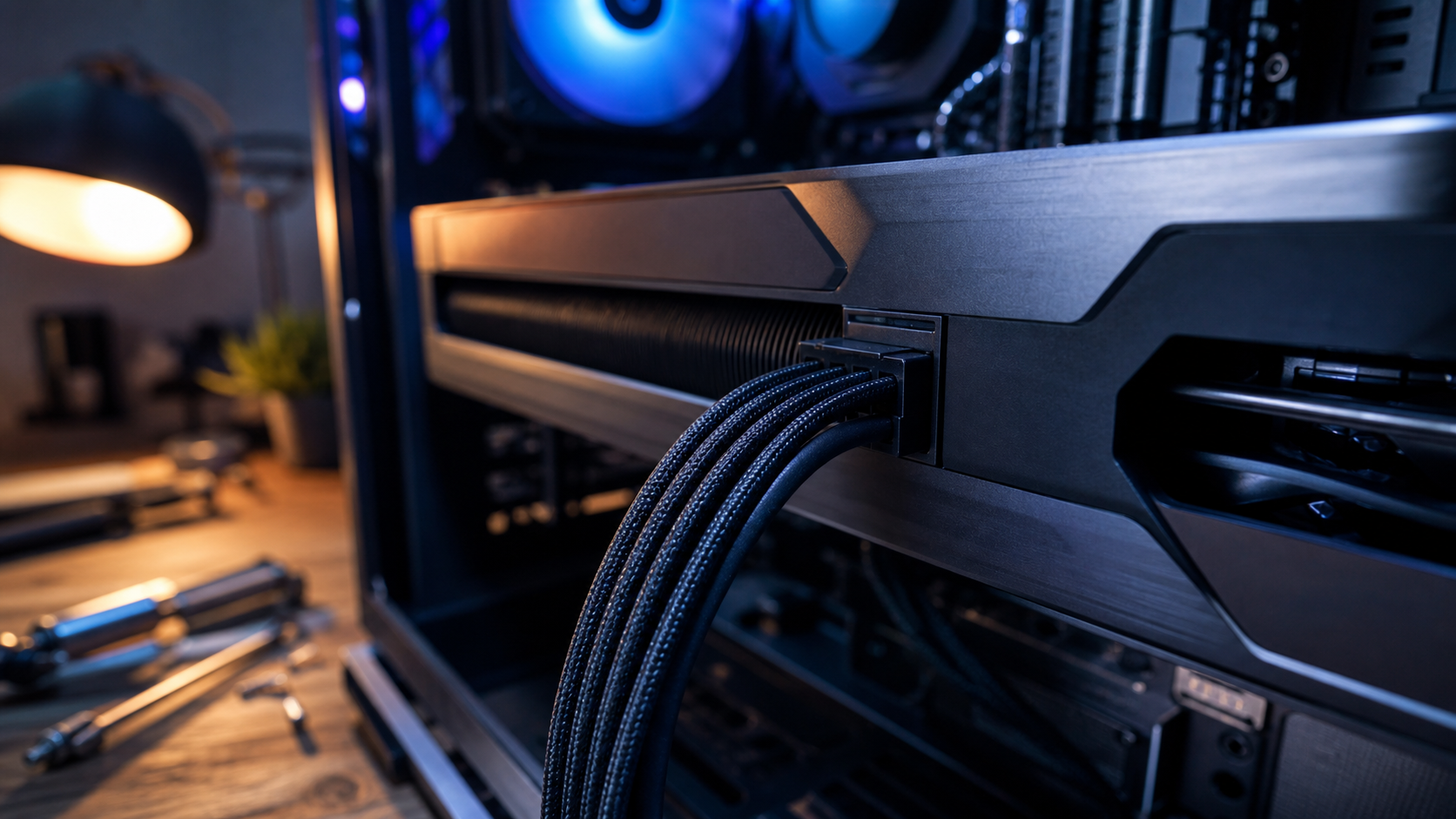
The graphics card gets the benchmark. The power connector gets pushed behind a side panel, bent until the glass closes, and forgotten until something smells wrong.
The verdict up front: design a high-power local-AI build around the power path before buying the card. Use a compliant supply, give each GPU its own native cable, seat the 12V-2x6 connector completely, and leave 35mm before the first bend. If the case cannot provide that space, the case does not fit the build.
1. Start with the card’s actual power requirement
The GeForce RTX 5090 is the edge case. NVIDIA lists 575W total graphics power and permits its multi-cable adapter or one PCIe Gen 5 cable. Required system power depends on the rest of the machine.
Add the CPU, drives, cooling, and any second GPU, then leave operating margin. Add the CPU, drives, cooling, and any second GPU, then leave operating margin. A board-partner card such as the GIGABYTE AORUS RTX 5090 carries that full draw on a single 12V-2x6 input, the exact connection this guide is about.
2. Use one complete, native path
NVIDIA’s multi-GPU AI PC guide calls for a CEM 5.1-compliant supply and a dedicated 12V-2x6 cable for each GPU, without splicing or daisy-chaining across cards.
Use the cable approved for that power supply. Modular PSU cables are not interchangeable because the plug fits. Avoid an angled adapter added only to make a cramped case close. CPSC recalled about 25,300 CableMod angled adapters after 272 reports of loosening, overheating, or melting into the GPU.
3. Seat the connector before mounting the card
Connect the power cable before mounting the card. Once installed, a partial insertion is harder to notice.
Push until the latch engages and inspect for a visible gap at both ends. A successful boot proves contact, not durable contact under sustained load.
4. Leave room before the bend
NVIDIA’s multi-GPU guide recommends at least 35mm of cable slack at the GPU connector. Seasonic’s installation guidance gives the qualitative rule: do not bend or apply force near the seated plug.
Measure from the connector to the closed side panel before choosing a case. A tight panel can keep pressure on the cable after installation, turning clean cable management into a mechanical load on the interface.
5. Treat monitoring as a warning, not a cure
Manufacturers now sell monitoring supplies for this connection. MSI’s GPU Safeguard+, announced in 2026, monitors current at pins and can alert or throttle when distribution becomes uneven.
The MSI MPG Ai1300TS PCIE5 is a single-GPU example with 1300W output, ATX 3.1 and PCIe 5.1 support, 2 native 12V-2x6 cables, and GPU Safeguard+. Two RTX 5090 cards can draw 1,150W before the CPU and cooling, so 2 connectors do not make it a blanket dual-GPU recommendation.
Monitoring requires USB and MSI software. MSI Center supports Windows 10 and 11, so Linux builders should not choose this supply for software monitoring alone. It makes sense when the build needs its capacity and cable layout.
That is secondary protection, not permission to undersize the supply, mix cables, seat the plug partially, or force a bend. MSI describes GPU Safeguard+ as detecting current abnormalities and throttling GPU power consumption. That makes it a response layer, not proof that the connector is fully seated or free from mechanical strain. Monitoring and periodic inspection still belong in the plan.
Who should skip most of this
This is not the same risk profile as a modest card powered by conventional 8-pin connectors. Check the card rather than importing RTX 5090 advice into every build.
Anyone unwilling to inspect this connection should choose a lower-power configuration or a professionally assembled workstation with accountable support.
Spend on the power path before the faster card. The connector is cheaper than the hardware it protects, and local inference gives a small installation mistake a long time under load.
Sources checked
- NVIDIA: RTX 5090 power and clearance specifications
- NVIDIA: multi-GPU AI PC power and cable guidance
- CPSC: CableMod angled-adapter recall
- Seasonic: 12VHPWR cable-routing instructions
- MSI: GPU Safeguard+ current monitoring
- MSI: MPG Ai1300TS PCIE5 specifications
- MSI Center: Windows system requirements
- Wccftech: documented RTX 5090 connector incident tracker
More field guides
Research the next purchase
Choose the room or problem you are working on next.
Browse all guides