
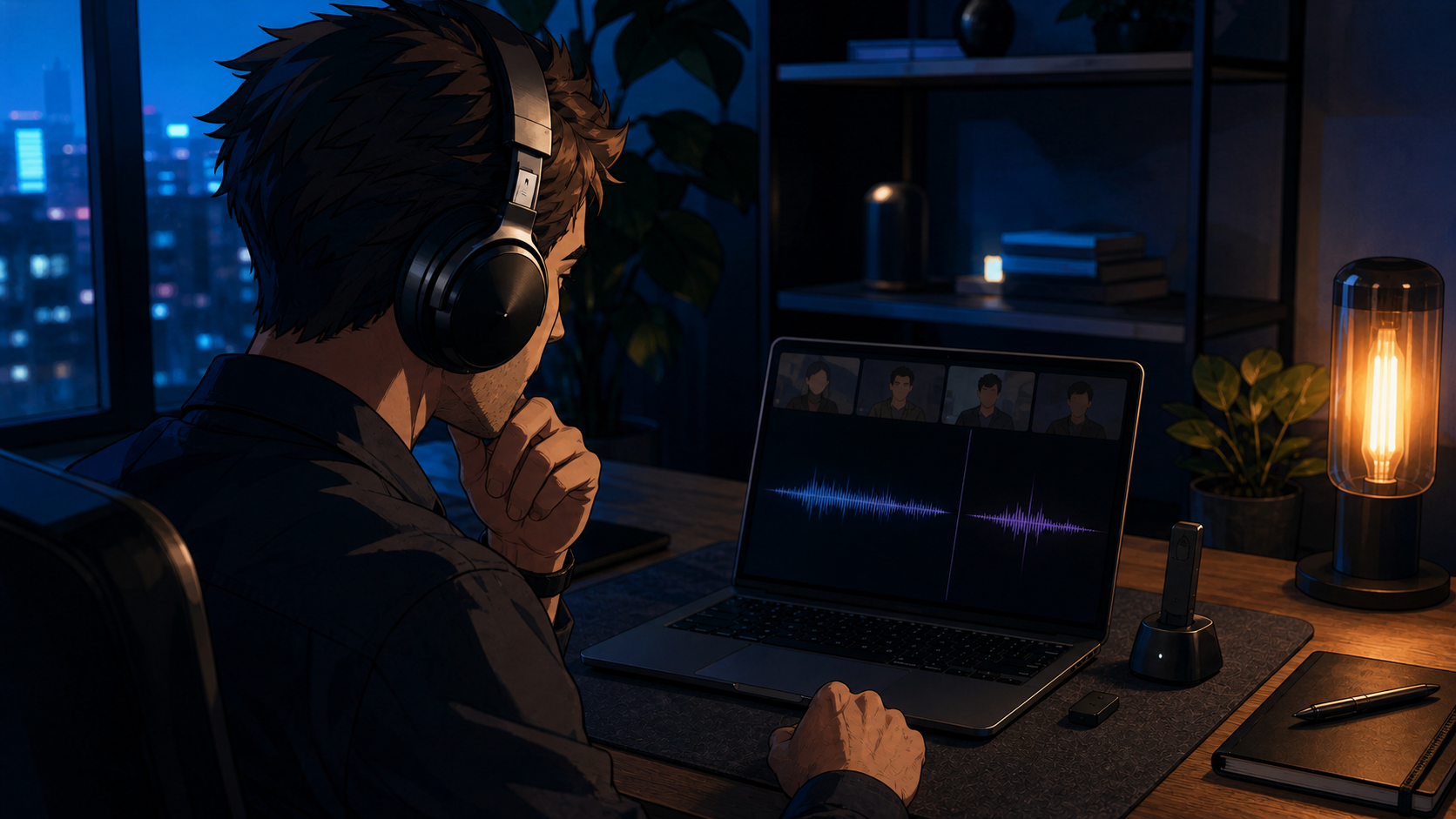
Music sounds full until the meeting starts. Then the microphone activates, the output turns thin or mono, and a premium headset suddenly sounds like a phone call from a stairwell. The headset may be doing exactly what the connection allows.
The verdict up front: test the audio path before replacing the headset. If your computer cannot maintain good playback while the microphone is active, a USB headset or wireless model with its own receiver is the safer work setup. Bluetooth LE Audio can now improve this on supported Windows 11 systems, but the computer, drivers, and headset all have to support the same path.
1. Why Bluetooth audio changes when the microphone turns on
Bluetooth Classic commonly uses A2DP for higher-quality playback and HFP for 2-way voice. The Bluetooth SIG lists these as separate profiles, which is the important detail buyers miss when they shop only by Bluetooth version.
When the microphone wakes, many systems move to the voice path. That can reduce playback quality, switch the output to mono, or expose a driver problem. A larger battery and better noise cancellation do not change that negotiation.
2. Check whether your setup supports the newer path
The old rule is no longer absolute. Microsoft now supports stereo playback while the microphone is active on compatible Windows 11 systems using Bluetooth LE Audio.
The qualification matters. Microsoft requires Windows 11 version 24H2 or later, factory-integrated Bluetooth LE support, current manufacturer drivers, and a headset that supports LE Audio. If one link is missing, the system may still fall back to mono. A “Bluetooth 6” label alone does not prove support for the audio feature you need.
3. Run the buying test with the microphone active
Open your normal call preview, select the headset for both input and output, and play a familiar track or system sound. Speak for a minute. Check whether the output changes when the microphone activates and whether the selected devices stay selected.
Then put the computer to sleep, wake it, and reconnect. Repeat with screen sharing and with any dock attached. Work headsets fail in these boring transitions more often than they fail during a 2-minute store demo.
4. Choose the connection before the wearing style
A wired USB headset removes the radio from the diagnosis. A dedicated wireless receiver can also make the connection more predictable because the vendor controls both ends, although it occupies a port and adds another object to lose.
Bluetooth remains the flexible choice when one headset must move between a phone and a laptop. Keep it when that convenience works. Replace the path when reconnects and mode changes have become part of every meeting.
The Sony WH-1000XM5 and WH-1000XM6 make the distinction concrete. The XM6 adds microphones and newer hardware, yet independent call-sample listeners did not produce a clean generational win over the XM5. More microphones can improve pickup; they cannot force a computer onto the better Bluetooth path.
Who should skip most of this
If your current headset stays stable through calls, sleep, and device switching, there is no upgrade problem to solve.
This guide is also less relevant to a supported LE Audio setup that keeps stereo playback active with the microphone. Confirm the setting before buying a dongle you do not need.
The buying order is connection, operating-system support, microphone behavior, then comfort. A famous headset on the wrong path is still the wrong work headset.
Sources checked
- Bluetooth SIG: communicate supported profiles, not just Core version
- Microsoft: Bluetooth LE Audio quality settings in Windows 11
- Microsoft: troubleshooting A2DP playback and Bluetooth disconnections
- SoundGuys: Sony WH-1000XM6 microphone samples and listener results
More field guides
Research the next purchase
Choose the room or problem you are working on next.
Browse all guides