
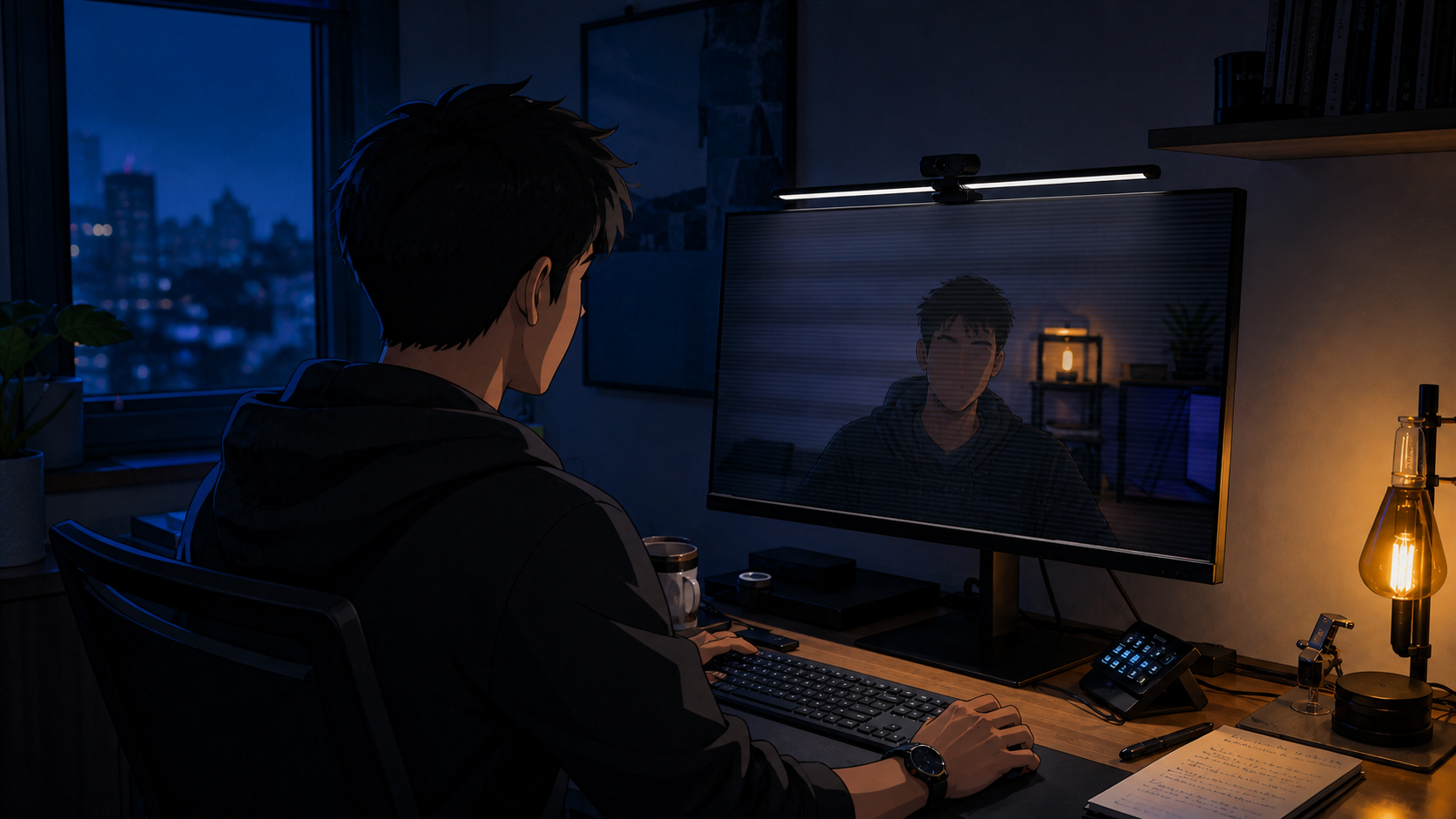
A desk light can look perfectly steady to your eyes and still paint dark bands across your webcam image. That is not a defective camera. Your eyes and your camera are sampling the same light in different ways.
The verdict up front: fix the contrast between the screen and the room before buying a brighter lamp. Use desk lighting for the work surface and a separate, soft front light for calls. Then test every dimming level through the camera, because a light that looks steady to you can still produce bands in the image.
1. Fix room contrast before lamp output
A bright monitor in a dark room creates the first problem. Adding more light directly above the display can create the second: glare. Start with soft ambient light behind or beside the monitor, lower the screen until it no longer dominates the room, and angle the task light so neither the bulb nor its reflection is visible on the display. That usually improves the desk before another fixture enters the equation.
2. Why desk lights cause webcam flicker and banding
Many LEDs control brightness by switching rapidly between on and off states. Your eyes may blend those cycles into steady light. A camera with a rolling or focal-plane shutter records different parts of the frame at slightly different times.
Sony’s camera guidance explains the visible result: LED flicker can appear as horizontal banding or brightness and color changes across the image. This is why a generic “flicker-free” label is less useful than a test with your webcam, at your normal exposure settings.
3. Buy in layers, not in one heroic fixture
The starter move is free: reposition the lamp you own and add soft ambient light behind the monitor. The next layer is a monitor bar for the keyboard and papers. The BenQ ScreenBar Halo 2 adds rear light, but its controller can wake slowly and it does not fit every webcam arrangement. The studio layer is a separate front light just off the camera axis. The Elgato Key Light Air MK.2 can fill that role, though full output requires a 30W USB-C power adapter that is not included.
We have both lights in hand, but have not completed the webcam dimming sweep. Neither earns a camera-safe claim here until it passes the test below. Rear light can soften room contrast; it cannot replace front light.
4. Run the 5-minute camera test
Open the preview in the app you actually use. Set the room and screen to their normal evening levels. Move the lamp from minimum to maximum brightness and watch the forehead, the wall, and any neutral surface behind you.
Look for horizontal bands, pulsing, exposure hunting, color shifts, and glare. Repeat after waking the computer from sleep. If the app allows manual exposure, test that too. A light can behave well at full output and poorly when dimmed, which is exactly where desk workers tend to use it.
Who should skip most of this
Daylight from the side may already give you balanced room light and a clean camera image. If your preview is stable at every brightness you use, keep the lamp you own.
A monitor bar is also the wrong purchase when the desk is already readable and the only complaint is a flat face on calls. That job belongs to a front light.
Choose the light by the problem it removes. Comfort is judged at the desk. Camera performance is judged in the frame.
Sources checked
- Sony: why LED lighting can produce camera banding
- BenQ: ScreenBar Halo 2 specifications and compatibility
- Elgato: Key Light Air MK.2 power requirements
More field guides
Research the next purchase
Choose the room or problem you are working on next.
Browse all guides