
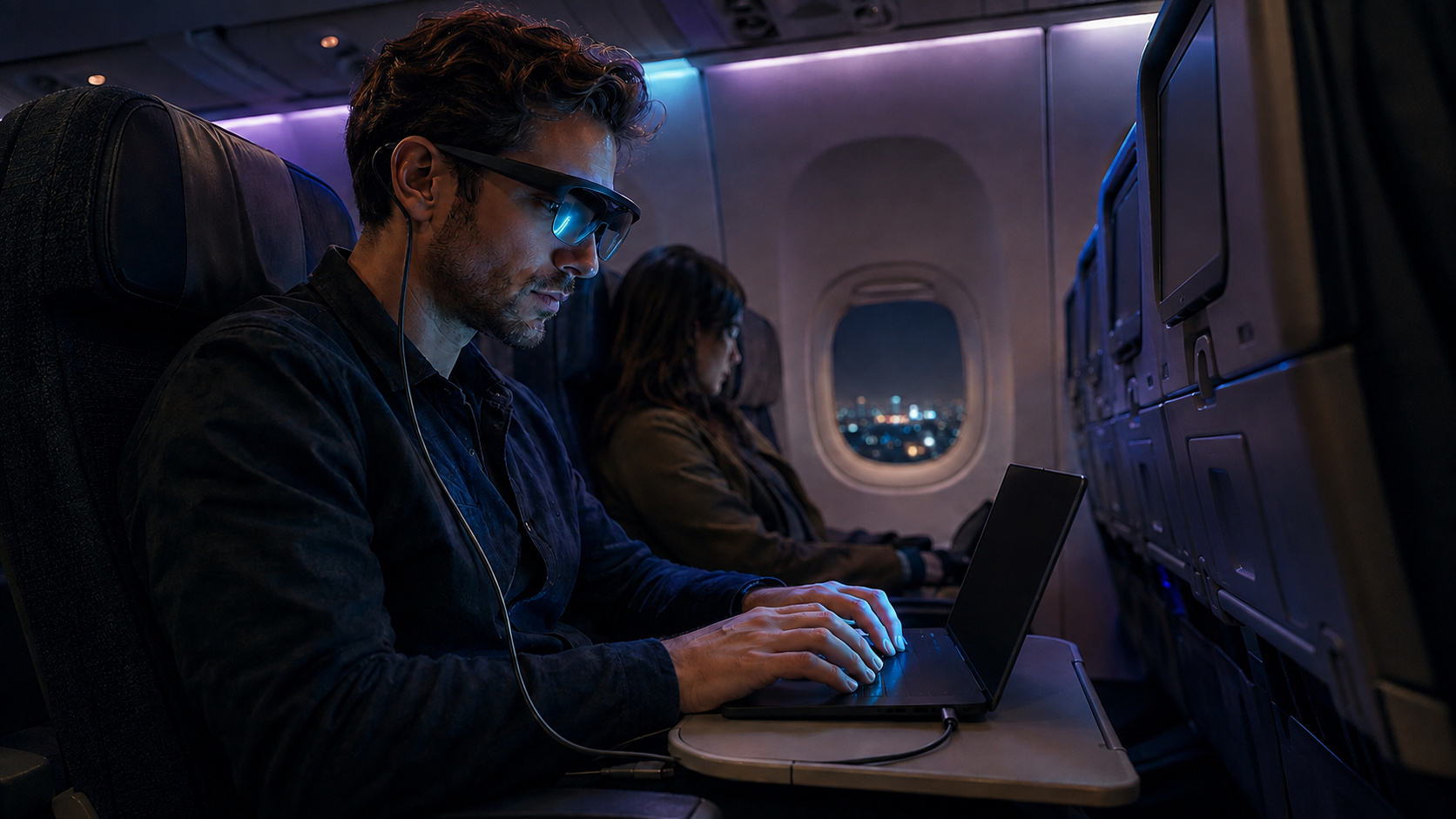
Row 14 is the wrong place to discover that your text is too small, the laptop is still mirroring your document, and the glasses need an adapter you left at home.
The verdict up front: AR glasses can make an economy seat or small cafe table more workable by moving the display off the table and away from nearby eyes. The XREAL One Pro is my pick for text-heavy travel because it combines a 57-degree field of view with 2 physical IPD ranges. Set scaling, display mode, tint, and fit before you leave.
1. Make text readable before boarding
Connect the glasses at home and open your smallest normal text. On Windows, increase Display Scale. On macOS, choose Larger Text. Then raise the editor or terminal font if the interface is readable but the work is not.
This costs screen space, but tiny type exposes fit-related softness at the edge of the optics. Build around one centered window first. Try a wide virtual desktop only after the basic screen earns your trust.
2. Set the display for actual privacy
A virtual image is private. A mirrored laptop is not. Show your work only in the glasses, dim the laptop screen, and learn how to recover if the glasses disconnect.
Keep calls and audio in earbuds. The person in the next seat did not agree to join the meeting. The exposed laptop or audible conversation is the weak link.
3. Fit the glasses while you can still change parts
Measure your IPD before buying. The One Pro comes in 57 to 66 mm and 66 to 75 mm versions. Try every nose pad until all 4 corners are visible without holding the frame. Resolve prescription inserts before the trip.
I learned the comfort lesson using an Oculus for multi-monitor work. The screens convinced me, but extended sessions made the headset bulky, hot, and heavy on my head. Display glasses remove much of that structure, yet pressure, warmth, and the cable may still set the session length.
4. Use the seat or table you actually have
My 15.6-inch MNN travel monitor works beside my HP Envy x360 when a table has enough depth for both. A plane tray often does not. Glasses give that surface back to the laptop and your hands, and they let you place the virtual display higher instead of folding toward the physical panel.
In a cafe, leave enough lens transparency to notice people approaching. On a plane, use the pass-through view before reaching for a drink or when the cart arrives.
5. Pack the failure path
Download your work. Pack the tested cable, earbuds, cleaning cloth, and any required adapter. A USB-C port does not guarantee video, so confirm DisplayPort Alt Mode on the exact laptop port.
Expect to take the glasses off. VITURE recommends 3-to-4-hour Beast sessions, and no product page can predict your pressure or heat tolerance. Keep the laptop usable as the fallback.
Who should skip most of this
A flight devoted to wide spreadsheets, precise color, or constant reference across several windows still favors a physical display when space permits. Motion sensitivity and a poor IPD match can also end the experiment quickly. If your work happens at fixed desks, an ordinary monitor delivers fewer variables.
For the category trade-off, read our AR glasses versus portable monitor comparison. The useful travel setup is the one you test before departure and can abandon gracefully when your face has had enough.
Sources checked
- XREAL One Pro specifications and IPD ranges
- XREAL One Pro travel and productivity review, Tom’s Guide
- VITURE Beast wearing guidance and feature specifications
- ASUS explanation of USB-C DisplayPort Alt Mode
More field guides
Research the next purchase
Choose the room or problem you are working on next.
Browse all guides