
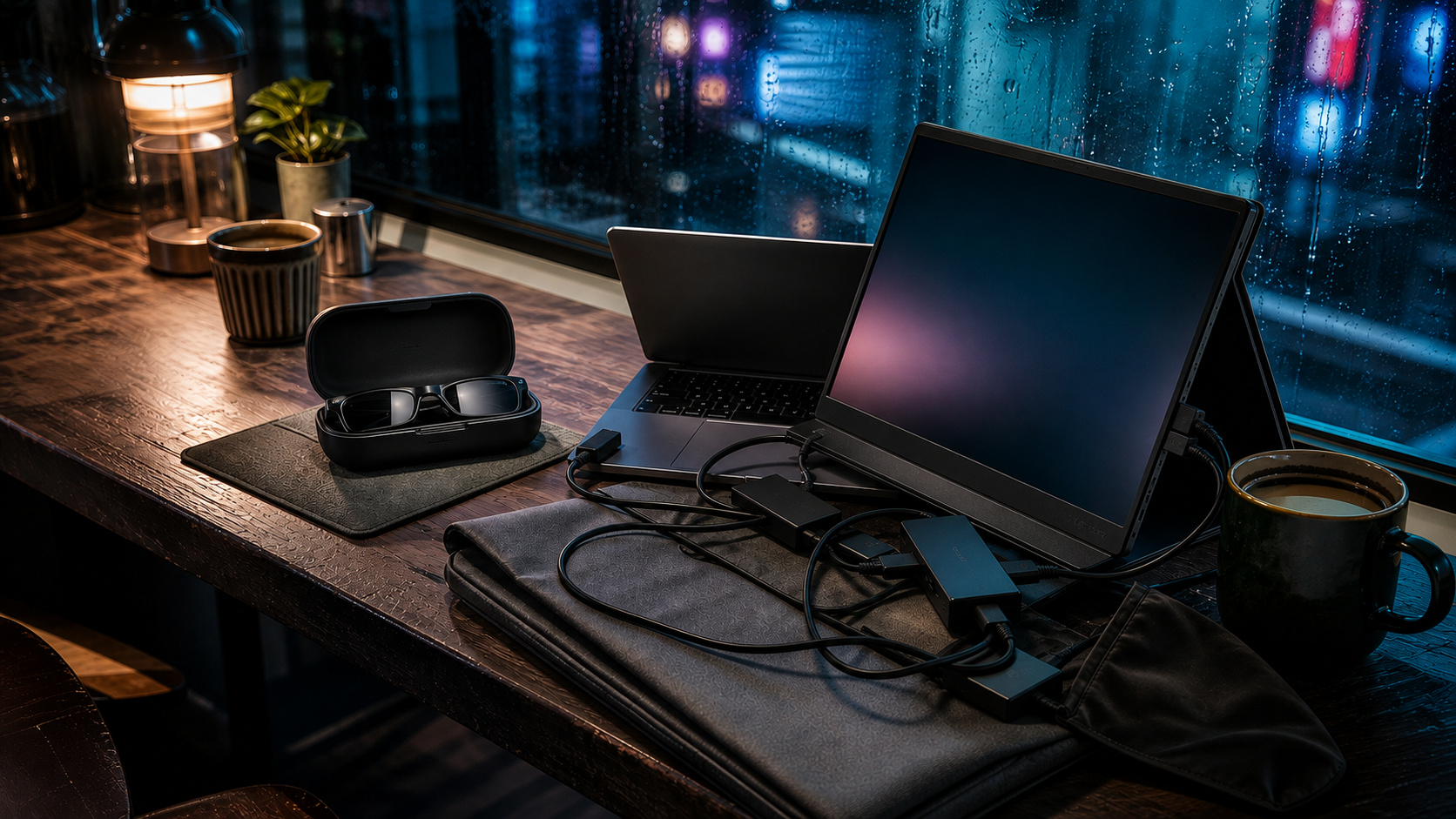
My HP Envy x360 and 15.6-inch MNN portable monitor give me a real 2-screen workspace. They also turn every temporary desk into a small assembly project.
The verdict up front: choose AR glasses when bag space, table depth, and visual privacy are the constraints. Keep the portable monitor when your day depends on dense spreadsheets, color work, shared viewing, or sessions long enough that anything resting on your face becomes irritating. Neither wins everywhere.
1. The glasses win the bag and the table
The MNN is thin, but it is still another 15.6-inch rectangle beside an already heavy laptop. It needs a protected place in the bag, a video connection, and enough table depth for its cover or stand to hold a useful angle. Laptop power adds another cable on a long session. At a hotel desk, that is manageable. On an economy tray or a narrow cafe table, the setup starts negotiating with the coffee.
A pair of display glasses folds into a small case and can run from one USB-C connection. The laptop port must support DisplayPort video over USB-C. If it does not, adapters and power hardware unravel the clean one-cable promise.
2. The monitor wins for uncompromised text
A physical panel keeps every corner available at once. That matters in a wide spreadsheet, a design timeline, or any task where peripheral information is part of the work.
AR glasses can look sharp in the center while the edges soften, fringe, or fall outside the comfortable viewing area. Fit and IPD change the result. OS scaling can make text easier to read, but larger interface elements leave less information on the virtual screen. For one document, browser, or terminal window, that compromise may be small. For 20 spreadsheet columns, it is the decision.
3. Privacy favors glasses, with one catch
The person behind a portable monitor can see what you see. Display glasses keep the virtual image inside the optics, which is useful for client documents, contracts, and code in public.
If the laptop mirrors the same content, the person behind you can read that screen instead. Switch to glasses-only display mode or dim the panel. Open-air speakers can leak sound, so confidential calls still belong in earbuds.
4. Comfort changes sides over time
My experience using an Oculus headset for multiple virtual monitors proved that a spatial workspace can work. It also proved that a screen can save desk space by moving the burden onto your head. After a while, the headset felt bulky, hot, and heavy enough that I wanted my ordinary monitor back.
AR glasses are much lighter than a VR headset. They can still press on the nose and temples, feel warm, and tether your head to a cable. A portable panel weighs more in transit but nothing once it is on the desk.
Who should skip most of this
AR glasses are hard to justify when colleagues need to see the second screen or your work depends on stable color and corner-to-corner detail. A portable monitor is harder to defend when you move daily, work on tray tables, or regularly handle private material in public.
If glasses fit your constraint, use our ranked AR glasses guide to choose by text, fit, and brightness. Buy for where the weight bothers you: in the bag or on your face.
Sources checked
- XREAL One connection and display specifications
- XREAL One Pro productivity and text testing, Tom’s Hardware
- VITURE Beast connection, privacy, and 3DoF FAQ
- ASUS explanation of USB-C DisplayPort Alt Mode
More field guides
Research the next purchase
Choose the room or problem you are working on next.
Browse all guides