
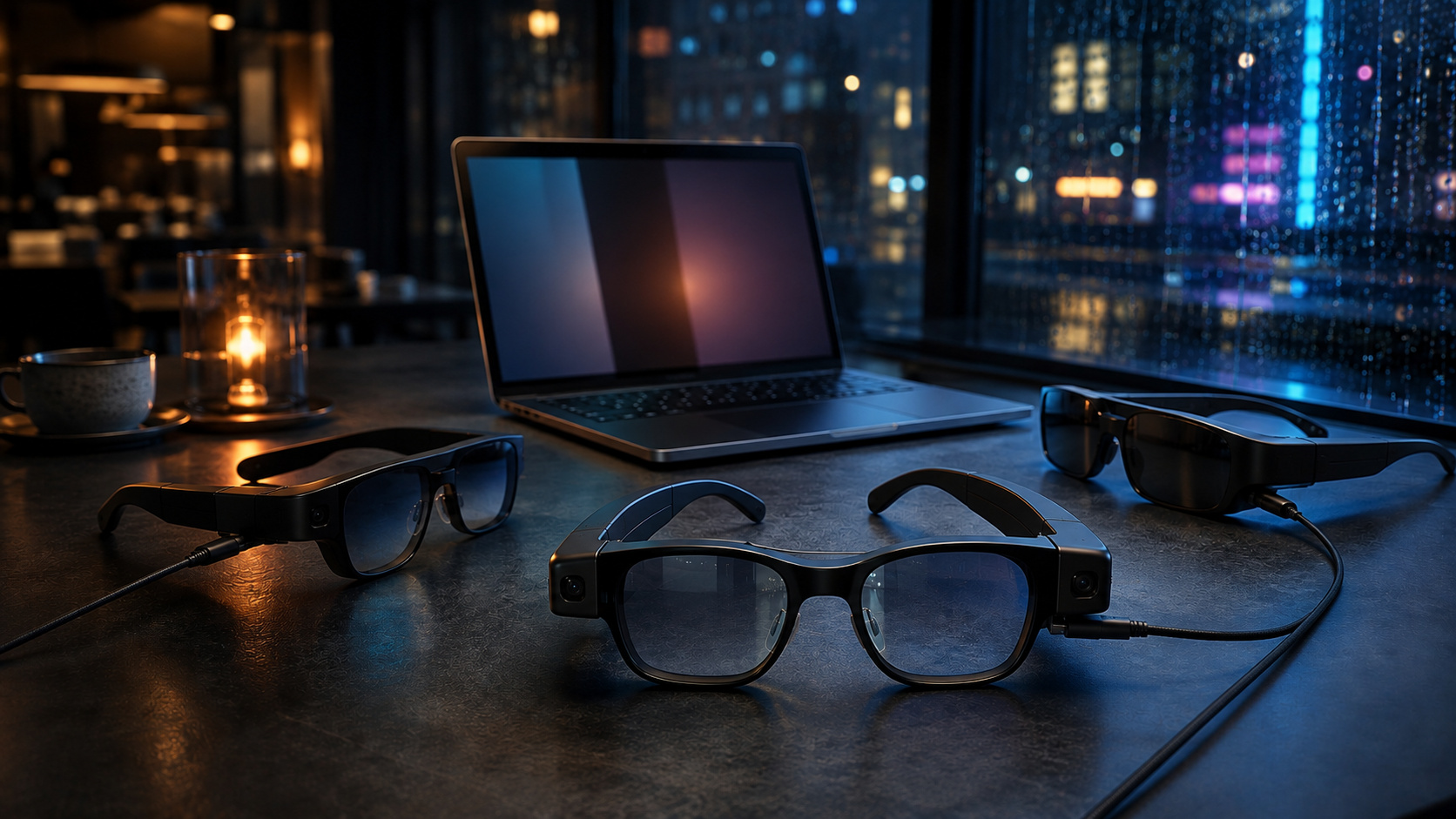
AR glasses are sold by virtual screen size, but a 200-inch claim tells you almost nothing about whether the last column of a spreadsheet stays readable.
The verdict up front: the XREAL One Pro is the best of these 3 for documents and code, provided you buy the correct IPD size. The VITURE Beast is the brighter work-and-media pair. The RayNeo Air 3s is the value entry for shorter travel sessions, not an entire day of small text.
1. For text and code: XREAL One Pro
Readable text is the first filter because it is the job, not a supporting feature. The One Pro displays 1920 by 1080 per eye across a 57-degree field of view, using a flatter prism design and 2 physical IPD ranges. An independent reviewer who struggled with blurry edges on the RayNeo Air 3s reported reading text for long periods on the One Pro without the same problem.
Edge clarity is not universal. Your IPD, prescription, nose-pad position, and frame height can move the image out of its sweet spot. Measure before choosing the 57 to 66 mm or 66 to 75 mm version. For work, fit is part of display quality.
2. For brightness and media: VITURE Beast
The Beast reaches a claimed 1250 nits, displays up to 1200p per eye, and gives you 9 levels of electrochromic tint. Auto Transparency can clear the lenses when you look down at the keyboard. Those controls matter in a bright cabin or beside a cafe window, and the extra color and brightness make the Beast the stronger entertainment crossover.
VITURE suggests sessions of 3 to 4 hours, and the Beast uses a prescription insert rather than a focus dial. Premium optics do not suspend the rules of sustained wear.
3. For lighter-duty value: RayNeo Air 3s
The Air 3s puts a private 1080p display in a 76-gram frame, with less money committed to a category you may only use on flights or when a hotel desk cannot hold another panel.
It also has the clearest limit of the 3. Independent testing flagged blur near the edges and discomfort during long text sessions. Buy it for a centered video, document, or browser window. Buying it as a full-day coding monitor asks the value pick to do the professional pick’s job.
Comfort is not a footnote
I have used an Oculus headset as a multi-monitor workspace. The virtual screens made sense. The headset became bulky, hot, and heavy on my head as the session stretched out, which eventually mattered more than the cleverness of the setup.
Display glasses remove much of that mass, but temple pressure, warmth, and a cable behind your ear can still end the session. Use a workable return window and test your smallest normal text for at least an hour.
Budget by tier
Starter: RayNeo Air 3s for a private screen during shorter trips and media sessions.
Professional: XREAL One Pro for text-heavy work, native 3DoF anchoring, and better IPD matching.
Studio: VITURE Beast when brightness, tint control, and media quality matter alongside work.
Who should skip most of this
Dense financial models still favor a physical monitor because every cell remains visible without a scaling trade-off. A fixed desk also gives you sharper corners and no weight on your face. Strong prescriptions require extra scrutiny.
If portability is the real question, compare the category with your existing setup in our AR glasses versus portable monitor guide. Rank readable text first, physical fit second, and spectacle last. The screen only earns space in your bag if you can stay in it.
Sources checked
- XREAL One Pro specifications and IPD ranges
- XREAL One Pro and RayNeo Air 3s testing, Tom’s Hardware
- VITURE Beast specifications and feature FAQ
More field guides
Research the next purchase
Choose the room or problem you are working on next.
Browse all guides