
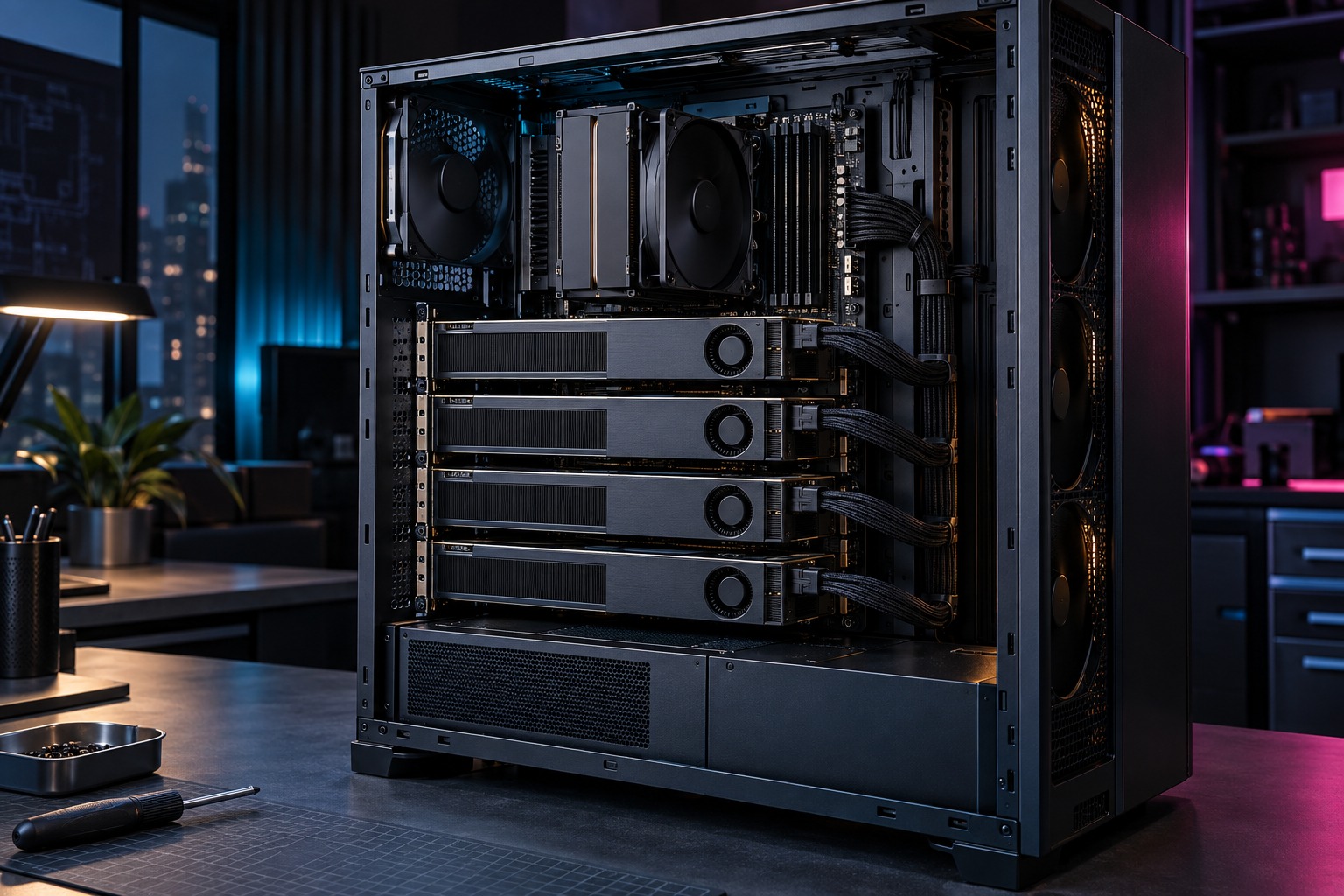
The best open-weight models keep getting larger, and the card in most desktops runs out of memory before the good ones load. Video memory, not speed, is the wall most local-AI projects hit first.
The verdict up front: a single Intel Arc Pro B70 puts 32GB of video memory within reach at a fraction of flagship workstation cards, enough to run quantized 30B-class models that an 8GB or 16GB card cannot hold. If you outgrow it, 4 pool to 128GB and approach flagship capacity for far less money, a Linux-first, multi-user project, not a starting point.
What one 32GB card actually runs
Memory is the gate: a model must fit on the card before speed matters. At 8 or 16GB you are boxed into small models; 32GB changes the class you can load. Puget Systems tested Qwen3.6 35B-A3B, a mixture-of-experts model that activates only about 3B parameters per token, alongside dense models in the 27B range. In full FP16 they need more than one card; quantized, they fit: a dense 32B model at 4-bit lands near 16GB, and a 30B-to-35B mixture-of-experts model near 24GB at a mid-range quant, both inside 32GB with room for context. One B70 runs a 30B-class model a common gaming card cannot.
Quantization is the trade, not a trick
Quantization shrinks the weights so a larger model fits and gives up some precision, and for most local work a 30B model at 4- to 5-bit beats a small model at full precision. Puget benchmarked FP16, not quantized throughput, so reproduce your exact model and quant on one card first.
When 32GB is the wall, scale to 4
If a model must run at full FP16, or several people need it at once, capacity is the reason to scale out. Puget ran Qwen3.6 27B Dense at about 54GB and 35B-A3B above 70GB unquantized across 4 B70s, 128GB of pooled memory no single card reaches. Throughput was about 13 tokens per second for one user on the larger models and rose past 95 in aggregate at 8 concurrent users, because the server batches requests. That path needs Ubuntu, tensor parallelism, and a host built for 4 cards. It is the ceiling, not the entry.
The build and the cable still matter
Even one card deserves a planned power path. Intel rates the reference B70 at 230W, and ASRock’s B70 Creator spec lists one 12V-2x6 connector, the same type behind the failures in our RTX 5090 power guide. Seat it fully and leave bend clearance. A 4-card host multiplies every one of those concerns and needs a supply sized for roughly 920W of GPU board power. For a single-card start, price the Intel Arc Pro B70 32GB; the ASRock B70 Creator is the board-partner option. Confirm the live seller, stock, and model before buying.
The software tax is real
Intel’s XPU and vLLM path is not CUDA. Puget reached a stable system only after resolving driver-library conflicts and routing inter-GPU traffic through host RAM, and its June 2026 test found bfloat16-dependent models would not run on the vLLM XPU path. One card is simpler than a 4-card rig, but still a Linux exercise.
Who should skip the B70
Skip it if you need CUDA-only tools, Windows-first simplicity, or the fastest single-user chat on a model a mainstream card already handles. Skip the 4-card build unless you can name the model, precision, context target, and number of simultaneous users. A compact single-node workstation is the saner place to learn what your workload needs.
The honest pitch is affordable capacity. One B70 gives a 30B-class model a home on hardware you own; 4 give it to a team. Start with the card that clears the memory wall; scale only when your model proves it.
Sources
More field guides
Research the next purchase
Choose the room or problem you are working on next.
Browse all guides